
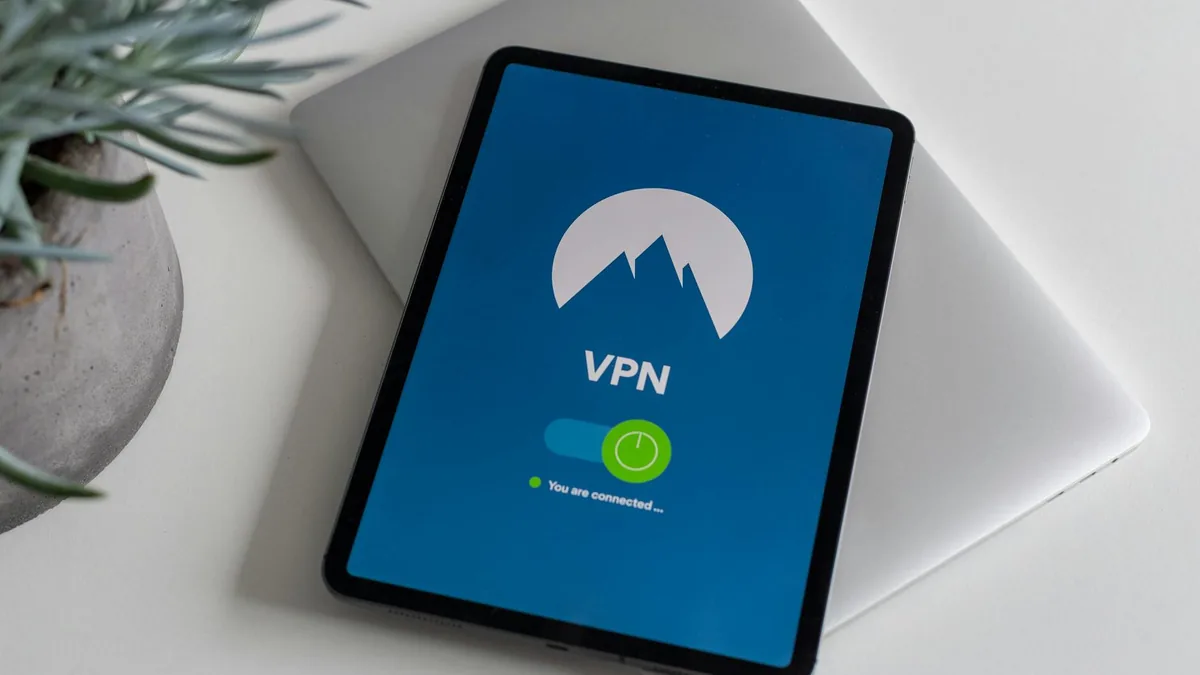
Thinking about a VPN app? This guide breaks down what a VPN does, when it’s useful (public Wi‑Fi, travel, privacy), what features matter most, and where a VPN may not help.
A vpn app creates an encrypted connection between your device and a VPN server, which can help protect your traffic on public Wi‑Fi and reduce tracking tied to your IP address. It’s often used for everyday privacy basics, safer browsing while traveling, and accessing services that only work in certain regions (where allowed). The best vpn app for you usually comes down to trust, clear privacy controls, stable speeds, and the features that match how you actually use your phone or laptop.
Who a VPN app is for
- Public Wi‑Fi users: If you regularly use coffee shop, hotel, airport, or campus Wi‑Fi, a VPN can add a meaningful layer of protection against snooping on the network.
- Travelers: Helpful when you’re moving between countries or networks and want a more consistent, private connection for everyday apps.
- Remote workers: Useful for basic privacy on the go, and sometimes for reaching work resources (though many workplaces require their own corporate VPN).
- Privacy-minded browsing: If you want to reduce how often your real IP address is exposed to websites and services, a VPN can help.
- Multi-device households: If you want one service that can cover phone + laptop + tablet, VPN apps often support multiple device types (exact limits vary by provider).

Who a VPN app may not be for
- Anyone expecting “total anonymity”: A VPN can improve privacy, but it doesn’t make you invisible online. Accounts you log into, browser fingerprinting, and tracking cookies still matter.
- People who mainly want faster internet: VPNs can sometimes slow connections due to encryption and routing. If speed is your only goal, a VPN may disappoint.
- Users who rely on strict geo-access: Some streaming and sports services actively block VPN traffic. Results can change over time, so treat this as a “maybe,” not a guarantee.
- Those who need parental controls or content filtering: Some VPN apps include these tools, but many don’t—or they’re limited compared to dedicated parental control apps.
What to look for in a VPN app (features that actually matter)
- Kill switch: If the VPN connection drops, a kill switch helps prevent accidental data leaks by blocking traffic until the VPN reconnects.
- Leak protection: Look for protections that reduce the chance of DNS or IP leaks. (Wording varies by app.)
- Server locations and “closest server” options: More locations can help with travel and performance, but what matters most is having servers near where you use the internet.
- Protocol choices: Many VPN apps offer multiple protocols. If the app explains them clearly and lets you switch easily, that’s a plus for troubleshooting speed vs. reliability.
- Split tunneling: Lets you choose which apps use the VPN and which don’t (for example: keep banking on VPN, but let local delivery apps bypass it if they break).
- Auto-connect rules: Useful settings include auto-connecting on public Wi‑Fi, on unknown networks, or when you open specific apps.
- Privacy controls you can understand: Look for clear explanations of what the app logs (or doesn’t), where the company is based, and how support requests are handled. If it’s vague, that’s a signal to be cautious.
- Device support: Confirm the app supports your platforms (iOS/Android plus any desktop devices you use) and that the setup is straightforward for your workflow.
Tip: Before committing, check whether the VPN app offers a free trial or a refund window, and test it on the networks you actually use (home Wi‑Fi, mobile data, workplace Wi‑Fi). Policies vary by provider.

Pros and cons of using a VPN app
Pros
- Helps protect your traffic on shared/public Wi‑Fi
- Masks your IP address from the sites you visit
- Can be useful for travel and region-based access (where permitted)
- Often includes quality-of-life features like auto-connect and split tunneling
Cons
- Can reduce speed or increase latency, especially on distant servers
- Doesn’t replace good privacy habits (tracker blocking, secure passwords, 2FA)
- Some apps/services may block VPN traffic or trigger extra verification
- Trust matters: you’re routing traffic through a provider, so choosing carefully is important
Final verdict: Is a VPN app worth it?
A vpn app is most worth it if you regularly use public Wi‑Fi, travel often, or want a simple way to reduce IP-based tracking during everyday browsing. The best vpn app for most people isn’t the one with the longest feature list—it’s the one that’s easy to use daily, has the safety basics (like a kill switch and leak protection), and is transparent enough that you’re comfortable routing your traffic through it. If your main goal is total anonymity or guaranteed streaming access, you’ll want to adjust expectations or consider additional tools and tactics alongside a VPN.
FAQ
Does a VPN app make me completely anonymous?
No. A VPN hides your IP address from websites, but accounts you sign into, browser fingerprinting, and tracking cookies can still identify you. A VPN is one privacy layer, not a full anonymity solution.
Will a VPN app work on both Wi‑Fi and cellular data?
Typically, yes—VPN apps are designed to work across network types. It’s worth checking whether the app supports auto-connect rules for public Wi‑Fi and whether it stays stable when switching between Wi‑Fi and mobile data.
What should I do if a VPN breaks certain apps or websites?
Try switching servers, changing the VPN protocol, or using split tunneling (if available) to exclude the problem app. If it’s a streaming or banking site, extra verification or blocking can happen even with reputable VPNs.
If you’re narrowing down options, make a short checklist of what you actually need (public Wi‑Fi protection, travel, multiple devices, split tunneling). Then compare a few VPN apps against that list before you commit.
