
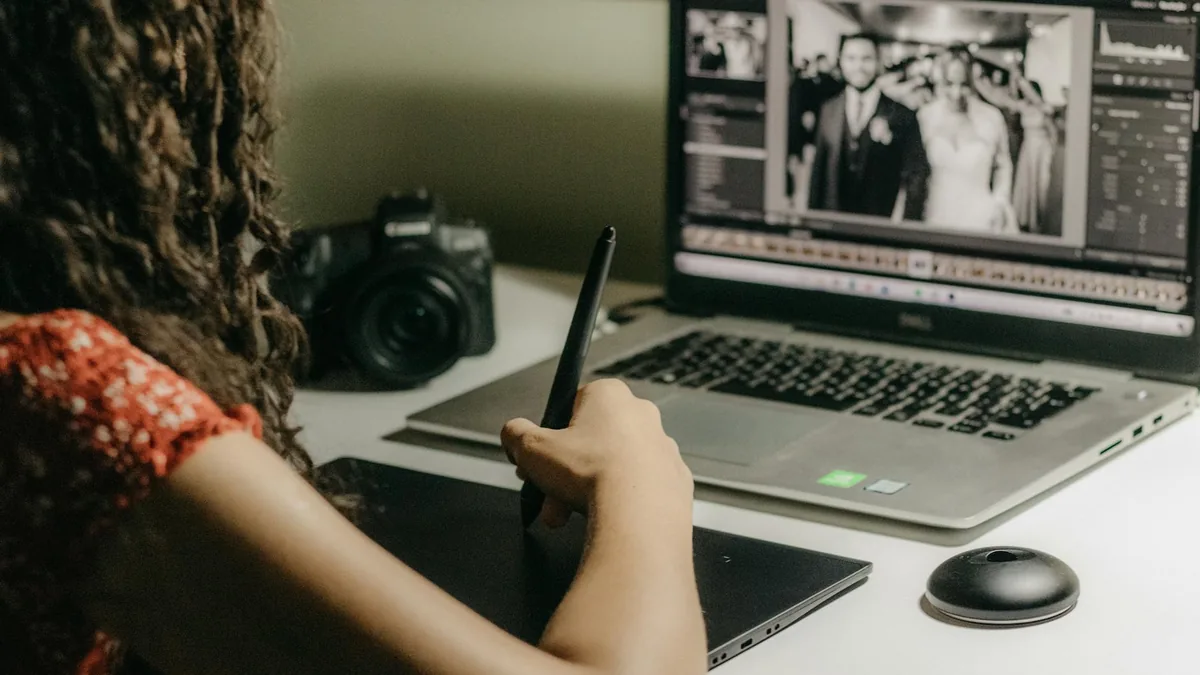
Not sure which photo editor app fits your workflow? This guide breaks down the most useful features (including AI photo tools), what to watch out for, and how to pick based on what you actually edit.
A photo editor app helps you improve pictures fast—things like cropping, lighting fixes, retouching, background cleanup, and export for social posts or printing. If you want quicker edits, an AI photo editor can speed up common tasks like removing objects, enhancing portraits, or generating variations, but results can vary depending on the photo. The best choice comes down to your typical edits (selfies, products, travel, documents), how much control you want, and whether you need consistent, repeatable results.
Quick feature checklist (what most people actually need)
| Feature | Why it matters | Best for |
|---|---|---|
| Crop, straighten, perspective | Fix framing and tilted horizons; correct “leaning” buildings | Travel, real estate, everyday photos |
| Light + color controls | Recover shadows/highlights, adjust white balance, improve skin tones | Most editing workflows |
| Portrait tools (retouch, blemish, teeth/eye adjustments) | Quick polish without deep manual editing | Selfies, creators, profile photos |
| Object removal / cleanup (often AI) | Remove distractions like wires, people in the background, blemishes | Travel, lifestyle, product shots |
| Background removal (often AI) | Cut out a subject for thumbnails, listings, and marketing | E-commerce, resumes, social posts |
| Text, templates, collages | Turn photos into posts, stories, and simple graphics | Social media, small businesses |
| Batch editing / paste edits | Apply the same look to many photos quickly | Events, product catalogs |
| Export options (size, format, quality) | Control file size and clarity for web, print, or sharing | Anyone who posts or prints regularly |

Who a photo editor (with or without AI) is best for
- Everyday phone photographers who mainly want better lighting, cleaner colors, and quick crops before posting.
- Creators and social media managers who need fast turnaround—templates, consistent looks, and exports sized for different platforms.
- Small businesses and resellers editing product photos, removing backgrounds, and keeping a consistent style across listings.
- Students and professionals who occasionally need clean headshots, profile pictures, or simple marketing graphics.
If you’re specifically shopping for an ai photo editor, prioritize tools that let you review and refine the AI result (brush/erase, strength sliders, “restore” areas) so you’re not stuck with a one-tap outcome.
Who may want a different kind of tool
- Precision retouchers who need advanced masking, frequency separation, or highly controlled color grading may prefer a desktop-first editor.
- High-volume workflows (hundreds/thousands of images) often need stronger batch tools, file management, and consistent color handling than many mobile editors provide.
- Users who dislike “AI looks” may want an editor that focuses on manual controls and subtle adjustments rather than heavy enhancement.
What to check before you commit to a photo editor app
- Edit control vs. speed: Some apps are built for one-tap looks; others give you granular sliders and selective edits. If you often fix skin tones, skies, or indoor lighting, look for selective adjustments (brush/subject/sky) rather than global filters only.
- AI tools you’ll actually use: For ai photo features, focus on practical ones—cleanup/object removal, background removal, portrait enhancement, and smart relighting. “Generative” tools can be fun, but they’re not always consistent for professional-looking results.
- Export and quality controls: Make sure you can choose image size/quality and common formats. If you print photos or upload to marketplaces, predictable exports matter more than fancy effects.
- Workflow fit: Check whether it supports your typical inputs (camera photos, screenshots, downloads) and whether it’s easy to reuse edits (presets, copy/paste edits, or batch tools).
- Privacy and permissions: If an editor offers cloud processing or AI features, review what it asks for (photos access, account sign-in) and whether you can delete projects/exports easily.
- Paywalls and watermarks: Many editors keep certain exports, effects, or AI tools behind a subscription or limited credits. If you rely on one feature (like background removal), confirm it’s available the way you expect before building a workflow around it.

A simple way to choose the right app in 3 minutes
- List your top 3 edits (example: “remove background,” “fix indoor lighting,” “make consistent product photos”). If an app doesn’t do your top edits well, skip it.
- Decide how you want to edit:
- Mostly one-tap: prioritize strong auto-enhance, good presets, and easy undo/compare.
- Mostly manual: prioritize selective edits, curves/HSL (or similar color tools), and fine control.
- Mix with AI: prioritize AI cleanup/background tools plus manual refinements (brush, edge cleanup, strength sliders).
- Run a “real photo” check: Use one portrait and one tricky image (busy background, low light). If the app’s AI struggles, see whether you can fix it without starting over.
- Confirm export needs: If you post to social, make sure it’s easy to export in the sizes you use. If you sell products, check that background removal edges look clean.
This approach keeps you from picking a tool based on trendy filters when what you really need is a dependable photo editor for your day-to-day photos.
Final verdict: choose the editor that matches your most common edits
The best photo editor is the one that makes your regular workflow faster without sacrificing the look you want. If you mainly need quick cleanup and polished portraits, an AI photo editor can be a great fit—especially when it includes manual touch-up controls for fixing imperfect AI results. If your edits require precision, consistent color work, or heavy batch processing, you may be happier with a more advanced editor (often desktop-first) or a mobile app that emphasizes manual tools over one-tap effects.
FAQ
Do I need an AI photo editor, or is a standard editor enough?
If you mostly crop, adjust lighting, and use simple retouching, a standard editor is usually enough. AI becomes most useful for time-savers like object removal, background removal, and quick portrait enhancements.
Why do AI photo edits sometimes look “off”?
AI can struggle with complex edges (hair, transparent objects), busy backgrounds, or unusual lighting. Look for apps that let you refine masks/edges and adjust effect strength so you can correct mistakes.
What features matter most for product photos?
Background removal with clean edges, consistent lighting/color tools, and predictable exports are the big ones. Templates can help for promos, but clean cutouts and consistent color usually matter more for listings.
If you’re narrowing down options, compare two or three editors using the same photos (one portrait and one tricky background). Then save the one that gets you to a good result with the fewest fixes—and check our related guides for alternatives that focus on portraits, product photos, or quick AI cleanup.
