
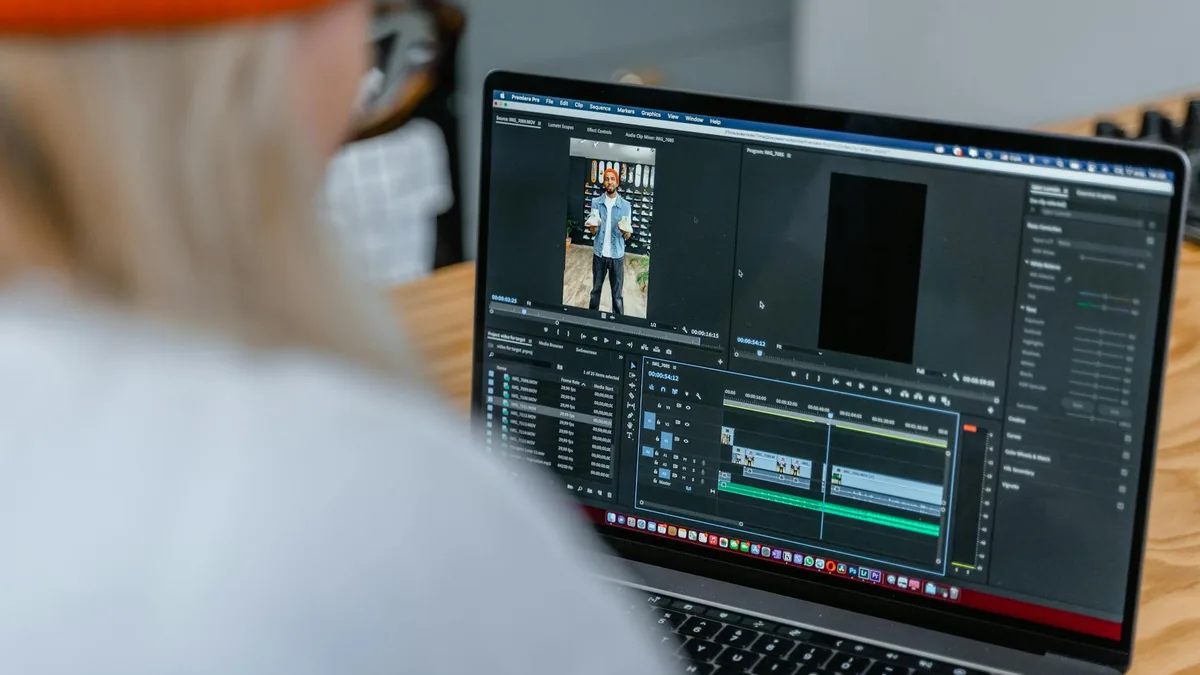
Choosing a Video Editor App: A Calm Guide to Picking the Right One
Not sure which video editor app to choose? This guide breaks down the most important trade-offs—ease, control, templates, audio, exporting, and cost—so you can pick confidently.
If you’re looking for a video editor, start by deciding what matters most: speed (templates and auto tools) or control (manual timeline editing). For most people, the best video editor is the one that fits your routine—how often you edit, where you post, and how much time you want to spend learning. If you mainly need a video editor free option, focus on whether exports are clean and whether key features are locked behind upgrades.
| Editor style | Best for | Why it works | Trade-offs to expect |
|---|---|---|---|
| Template-first editor | Quick social posts, trends, reels/shorts | Fast results with minimal setup | Less precise control; projects can feel “same-y” |
| Timeline-first editor | More intentional edits, YouTube-style videos, multi-clip stories | Better pacing, trimming, layering, and fine-tuning | Learning curve; takes longer per edit |
| All-in-one creator editor | Captions, effects, basic design + video in one place | Convenient for end-to-end posting | Some tools may be “good enough,” not specialized |
| Lightweight/basic editor | Simple cuts, crop/rotate, quick cleanup | Low friction, easy exports | Limited effects, audio control, and advanced features |
Who a video editor app is for
A video editor app is a strong fit if you want to make better videos without moving everything to a computer. It’s especially helpful when your workflow is phone-first—filming, trimming, adding captions, and posting in one sitting.
- Social creators and small businesses who need consistent, quick edits (hooks, captions, music, brand colors) without a long setup.
- Students and casual editors who want to clean up clips, combine videos, and export something presentable fast.
- People editing on the go—commuting, traveling, or working between tasks—where a lightweight workflow matters more than advanced controls.
- Anyone who wants repeatable results (a similar look every time) using templates, saved styles, or presets.
Who may want a different approach
Some editing goals are simply easier outside a phone-first editor, or require more specialized tools. If any of the below sounds like you, you may be happier with a more advanced workflow.
- You need deep color work or precision finishing (fine grading, complex masking, detailed audio mixing) and don’t want to compromise.
- You regularly manage large projects with lots of footage, versions, and organized assets—where file handling and project management become the main job.
- You dislike template-driven looks and want a very specific style that requires more manual control.
- You’re sensitive to limitations in free plans (export restrictions, locked tools). In that case, it’s worth comparing “free” carefully before investing time building a workflow.
Buying considerations that actually change your day-to-day
Most video editor apps can trim clips and add music. The real difference is how smoothly they fit your routine—and what they quietly limit.
1) Editing style: templates vs timeline control
If you want fast, repeatable edits, templates and auto tools can be perfect. If you care about pacing, jump cuts, B-roll layering, and exact timing, prioritize a timeline-first editor with more manual control.
2) Captions and text workflow
If you post short-form video, captions are often the bottleneck. Look for an app that makes text easy to edit (timing, styles, readability) and doesn’t feel fussy when you need to change one line quickly.
3) Audio tools that match your content
For talking-head videos, you’ll want simple voice controls (levels, noise cleanup if available, easy ducking under music). For montage-style edits, you may care more about beat timing and quick music trimming.
4) Export experience (quality, formats, and friction)
This is where “video editor free” options can vary a lot. Before you commit, check whether exports are straightforward for your platform and whether the app adds friction at the end of your workflow (extra steps, confusing settings, or upgrade prompts).
5) Learning curve and reliability
A slightly simpler editor you’ll actually use beats a powerful one you avoid. Also consider stability: if you’re editing longer videos, you’ll want an app that feels dependable with bigger projects and doesn’t make recovery stressful.
Pros and cons of using a video editor app
Pros
- Fast turnaround for everyday edits—trim, reorder, add text, and export without switching devices.
- Great for short-form content where speed, captions, and templates matter.
- Lower barrier to entry than many desktop tools, especially if you’re learning.
- Convenient publishing workflow when your footage lives on your phone.
Cons
- Free versions can be limiting in ways that only show up late (exports, locked tools, restricted features).
- Precision can be harder on a small screen, especially for detailed timing and multi-layer edits.
- Template-heavy apps can feel repetitive if you want a distinct, consistent brand style.
- Project organization may be lighter than what you’d get in a more advanced environment.

A simple decision framework (pick in 2 minutes)
- If you want the quickest path to “good enough” social videos: choose a template-first editor with strong caption tools and easy exporting.
- If you care about pacing and storytelling: choose a timeline-first editor, even if it takes longer to learn. You’ll gain control over cuts, layers, and timing.
- If your main pain is captions: prioritize the app that makes text editing feel effortless (easy corrections, readable styles, quick timing adjustments).
- If you’re set on a video editor free option: pick the one that stays usable at the finish line—exports that work for your platform and the few core tools you’ll use every time.
- If you’re editing weekly (or more): choose based on workflow comfort and reliability, not just features. Small annoyances compound fast.
Final verdict
The “right” video editor is less about having the most features and more about matching how you actually edit: quick templates for speed, or timeline tools for control. If you mainly post short-form content and want fast results, a template-first approach can be the calmest choice. If you’re building longer videos or you care about precise timing, a timeline-first editor is usually worth the learning curve—even if it’s not the fastest on day one.
If you’re aiming for a video editor free workflow, be a little picky early: make sure the app’s export process and core tools stay practical without forcing you into a last-minute switch.

Quick Next Step
-
If you tell us what you’re editing (shorts, reels, YouTube, school projects), your phone type (iPhone or Android), and whether you need a free option, we can help narrow this down to a short list that fits your workflow.
FAQ
What’s the best video editor for beginners?
Look for an editor that makes the basics effortless: trimming, splitting, rearranging clips, adding text, and exporting. Beginners usually do best with a clean interface and a workflow that doesn’t hide common actions behind menus.
Are free video editor apps actually usable?
Often, yes—especially for simple edits. The key is to check what happens at export and whether the tools you need most (captions, basic audio, transitions) are available without hitting a paywall mid-project.
Should I choose a template-based editor or a timeline editor?
Choose templates if speed and consistency matter most. Choose a timeline editor if you want more control over pacing, layering, and detailed timing—particularly for longer videos.
What features matter most for short-form videos?
Captions/text workflow, quick trimming, easy aspect ratio handling, and a smooth export flow tend to matter more than advanced effects. You want an app that helps you finish, not one that slows you down.
How do I avoid wasting time switching editors later?
Before committing, do one small “test project” in your head: import clips, add captions, adjust audio, and export. If any step feels annoying or unclear, that friction tends to grow over time.
If you tell us what you’re editing (shorts, reels, YouTube, school projects), your phone type (iPhone or Android), and whether you need a free option, we can help narrow this down to a short list that fits your workflow.
